AI Kitchen Design Logo
Kitchen AI
Photo-based remodel visualizer

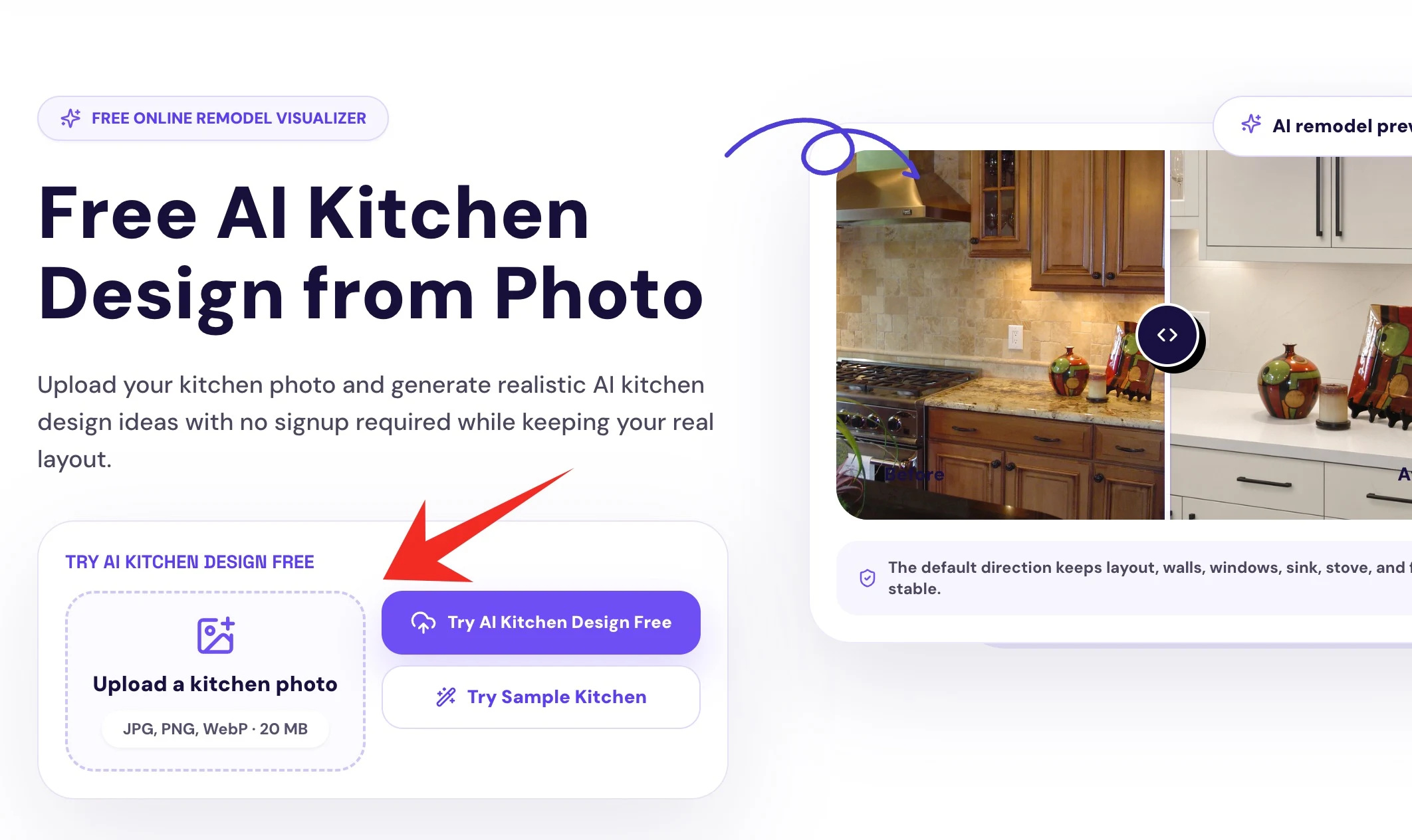
AI Kitchen Design from Photo

Upload your kitchen photo and generate realistic AI kitchen design ideas while keeping your real layout.

Preview cabinet colors, countertops, backsplash, lighting, and remodel styles before you renovate.

Keep your real kitchen layout
Try cabinet colors before painting
Compare ideas before hiring a contractor

Design Your Kitchen with AI

Start with a real photo, then guide the AI with practical choices instead of a complicated prompt.

What do you want to preview?
What should AI keep?
Choose a kitchen style
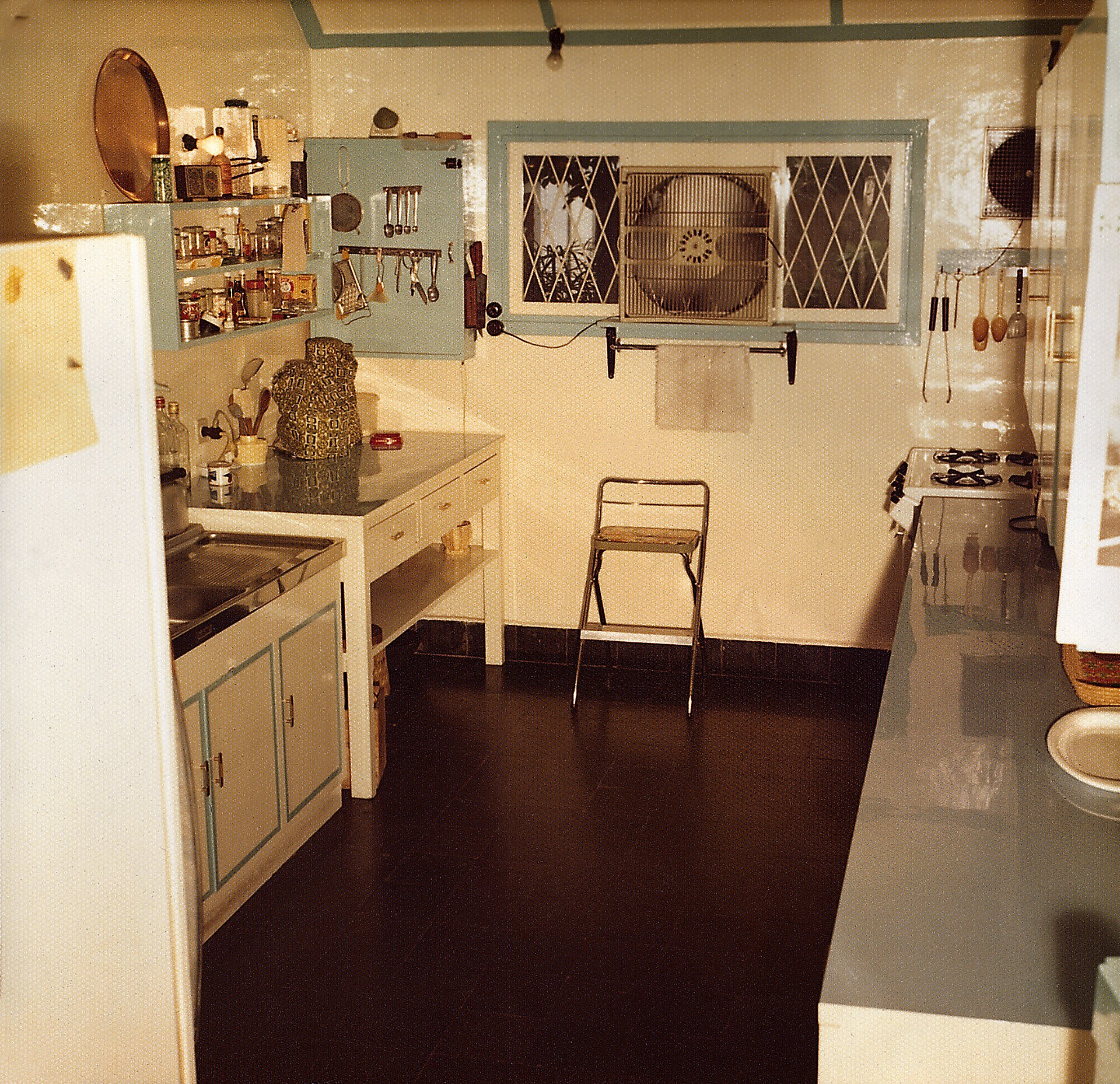
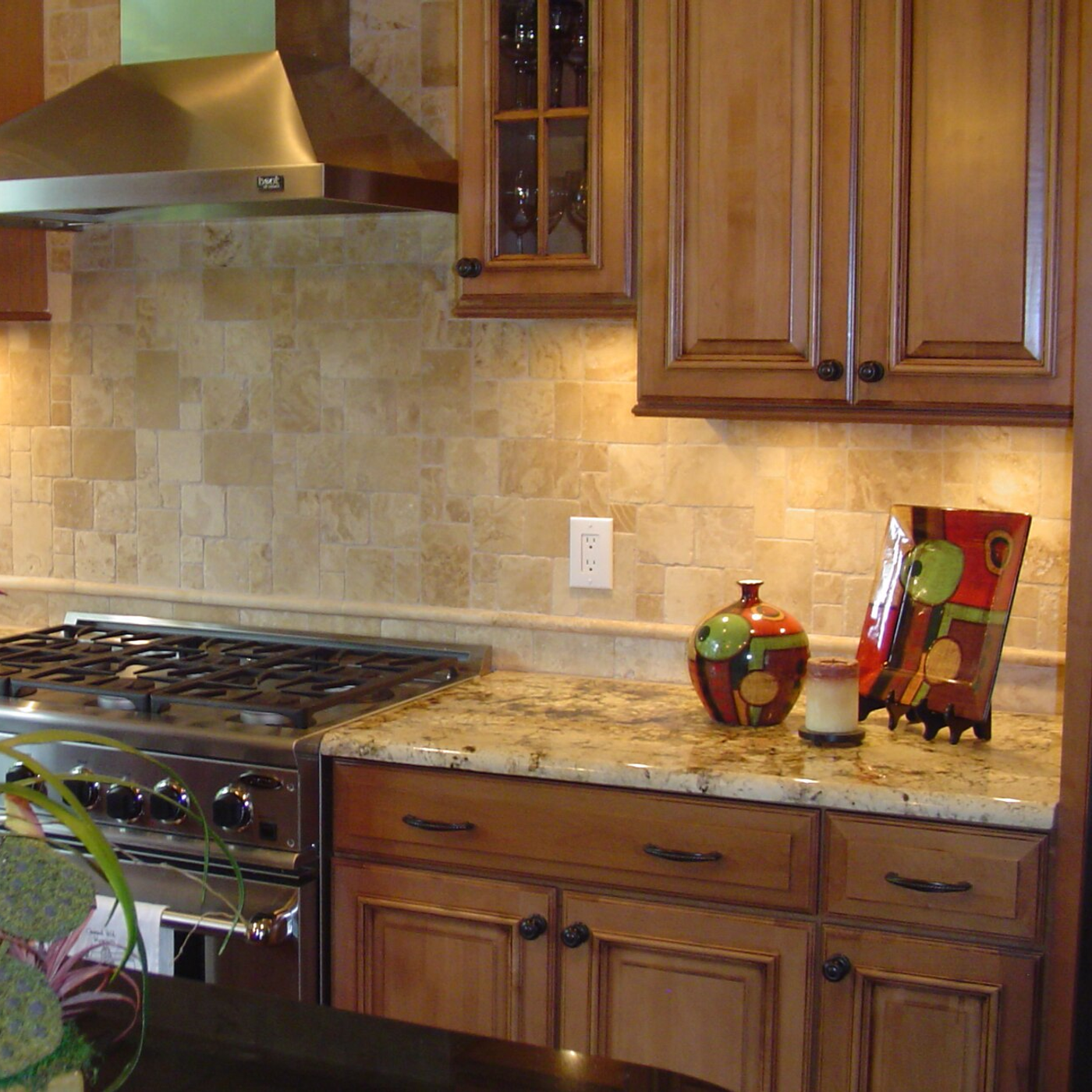
BeforeBefore
AfterAfter
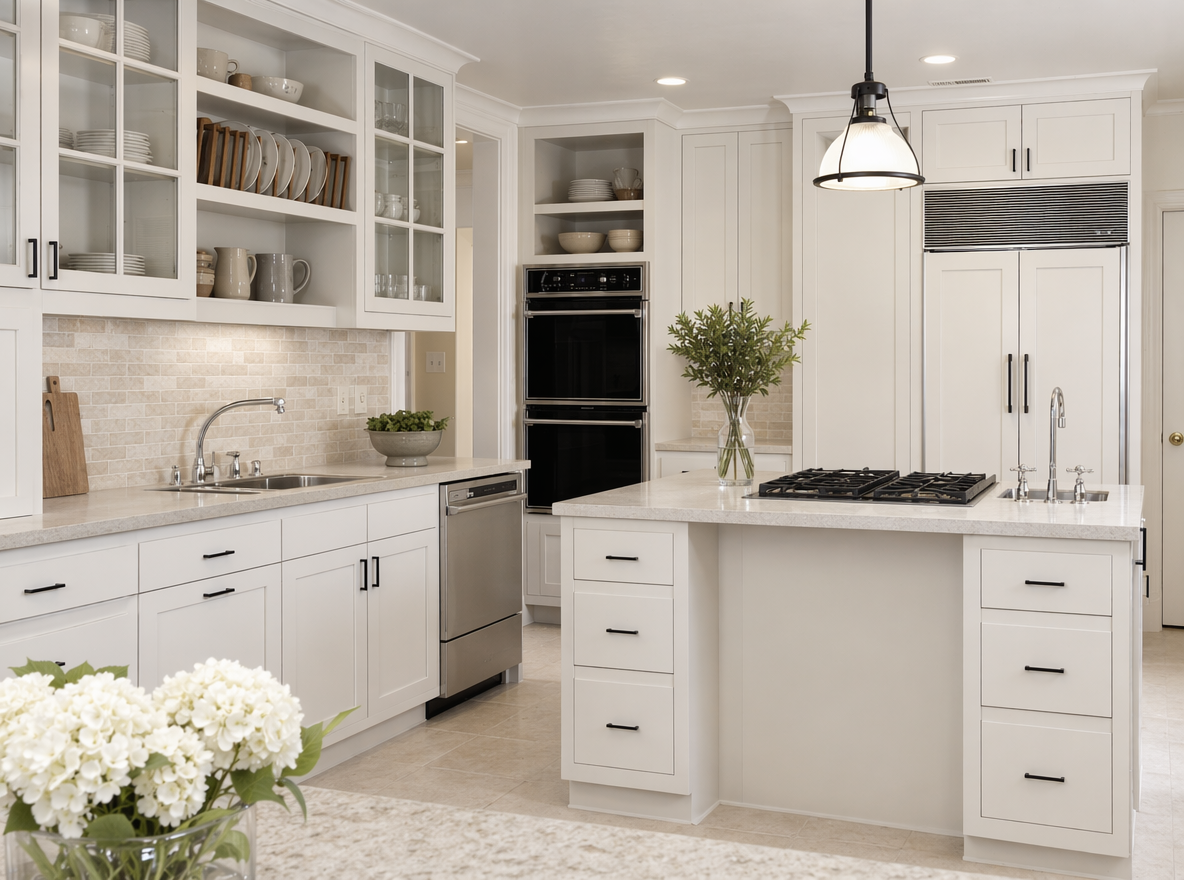
The default direction keeps layout, walls, windows, sink, stove, and fridge stable.
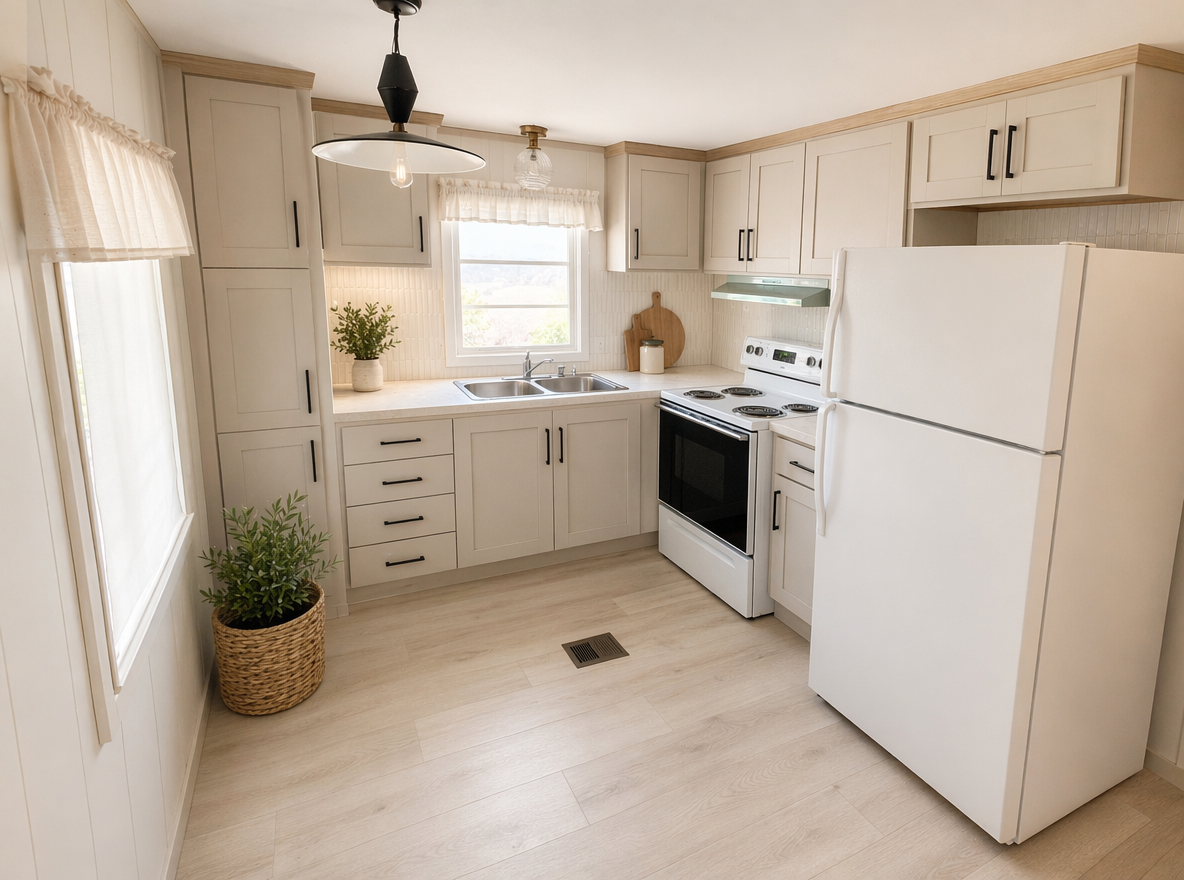
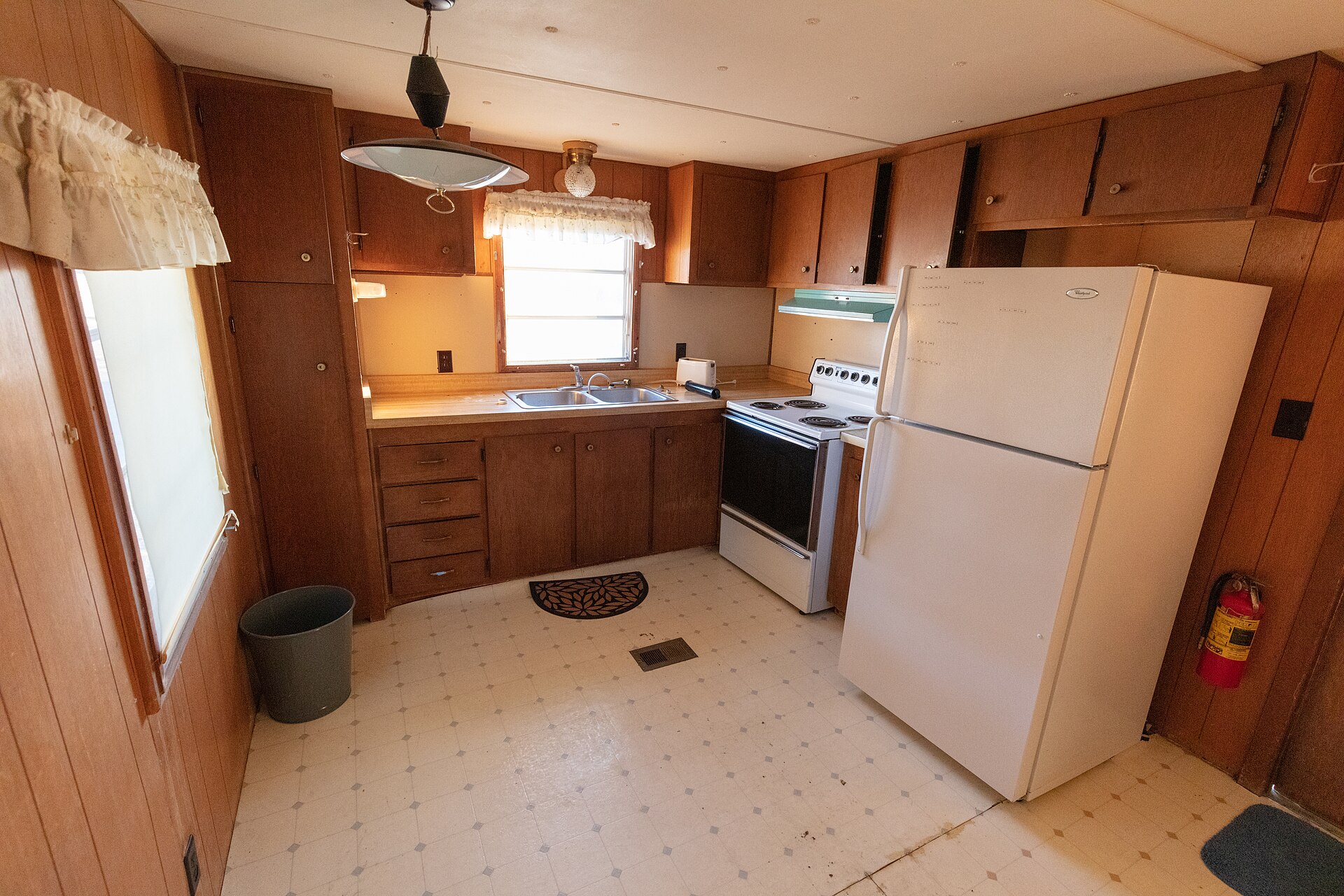
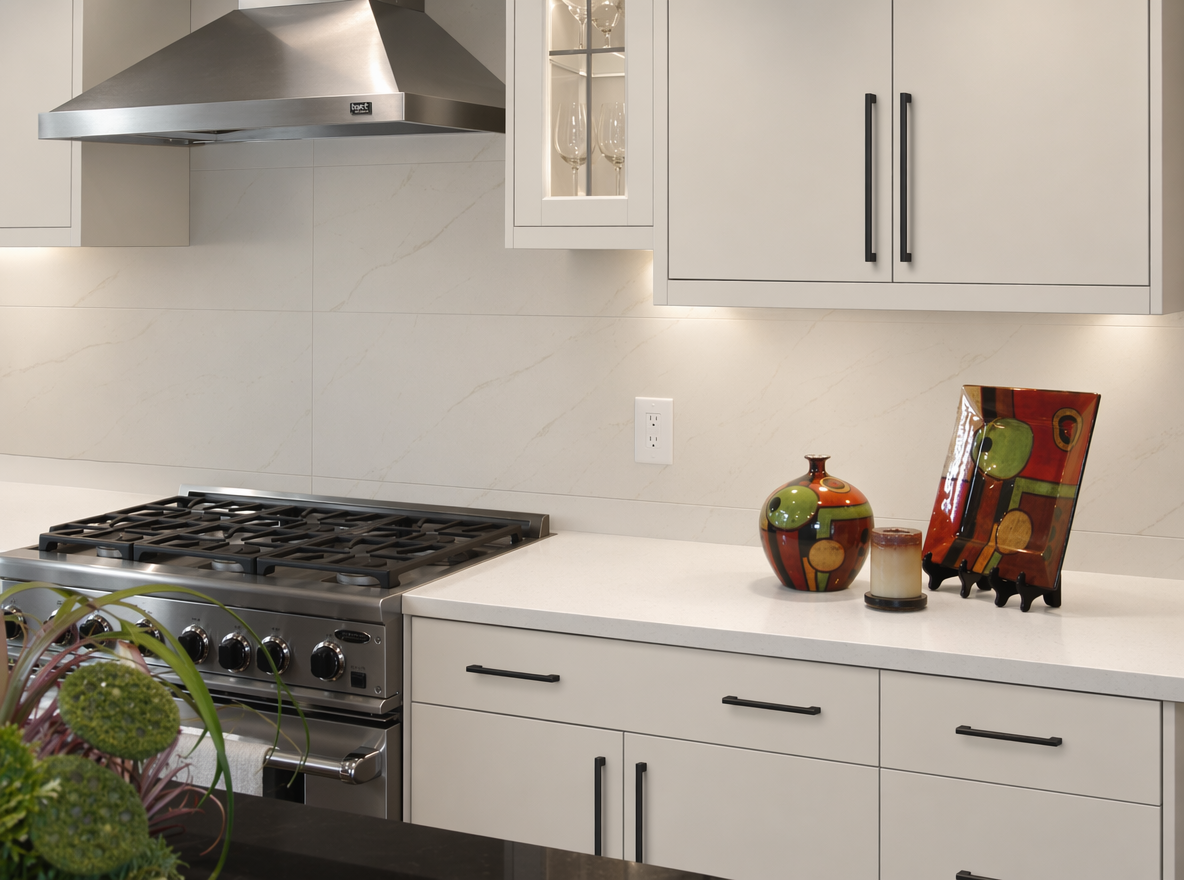
Old wood cabinets to modern white

Old wood cabinets to modern white

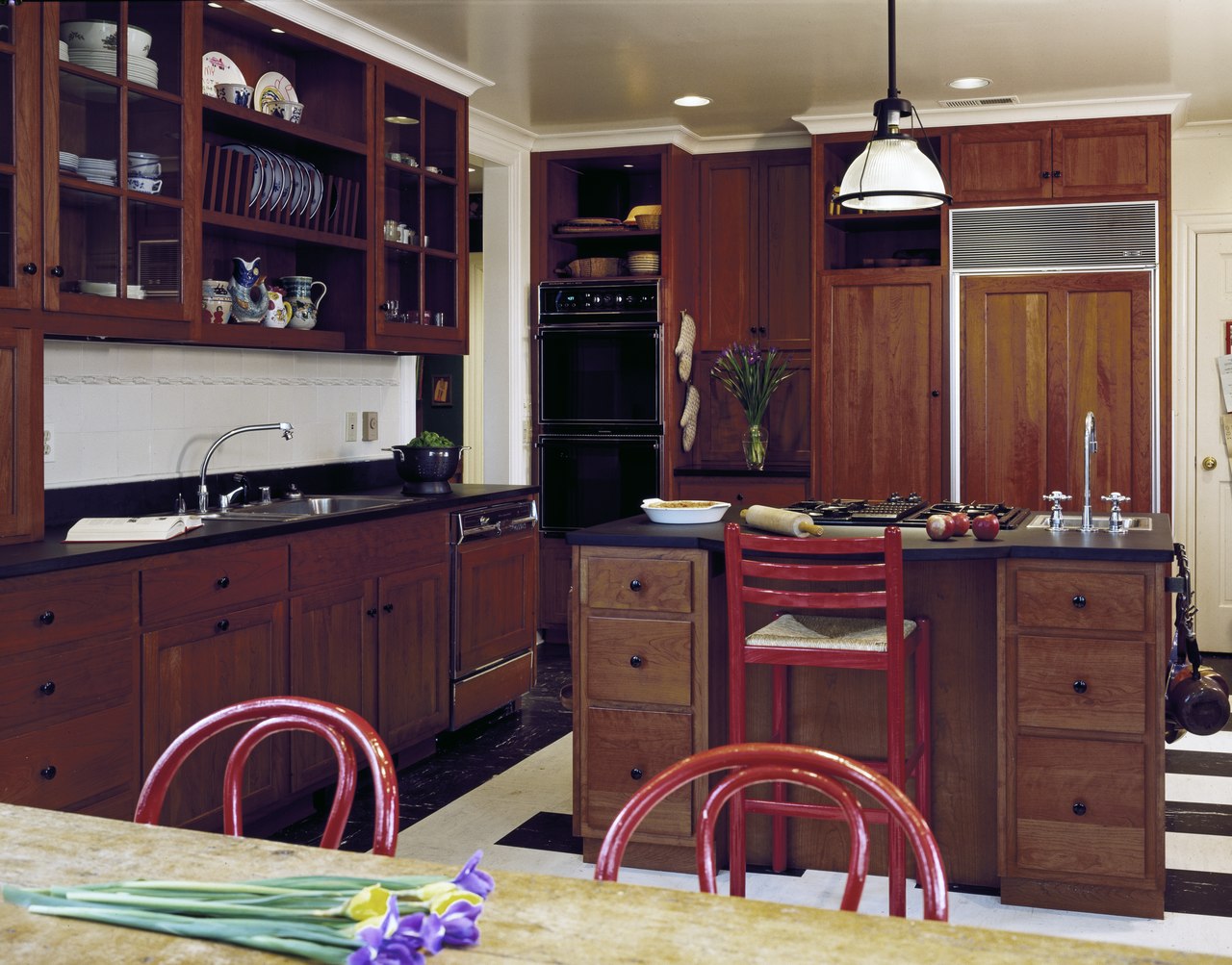
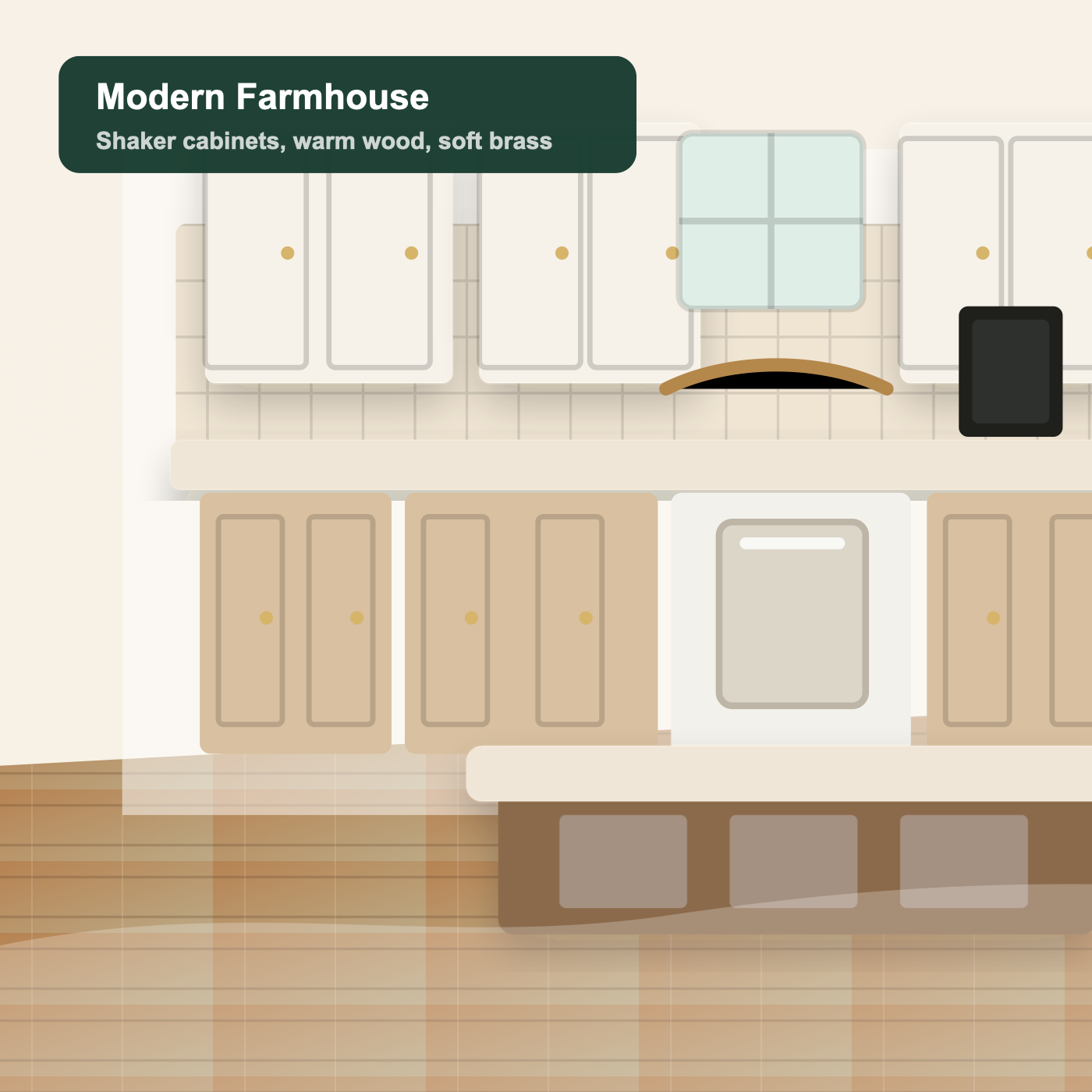
Oak kitchen to modern farmhouse

Oak kitchen to modern farmhouse

Builder-grade to luxury marble

Builder-grade to luxury marble

Before and after proof

AI Kitchen Remodel Before and After

See practical remodel directions for normal kitchens, not only luxury fantasy interiors.

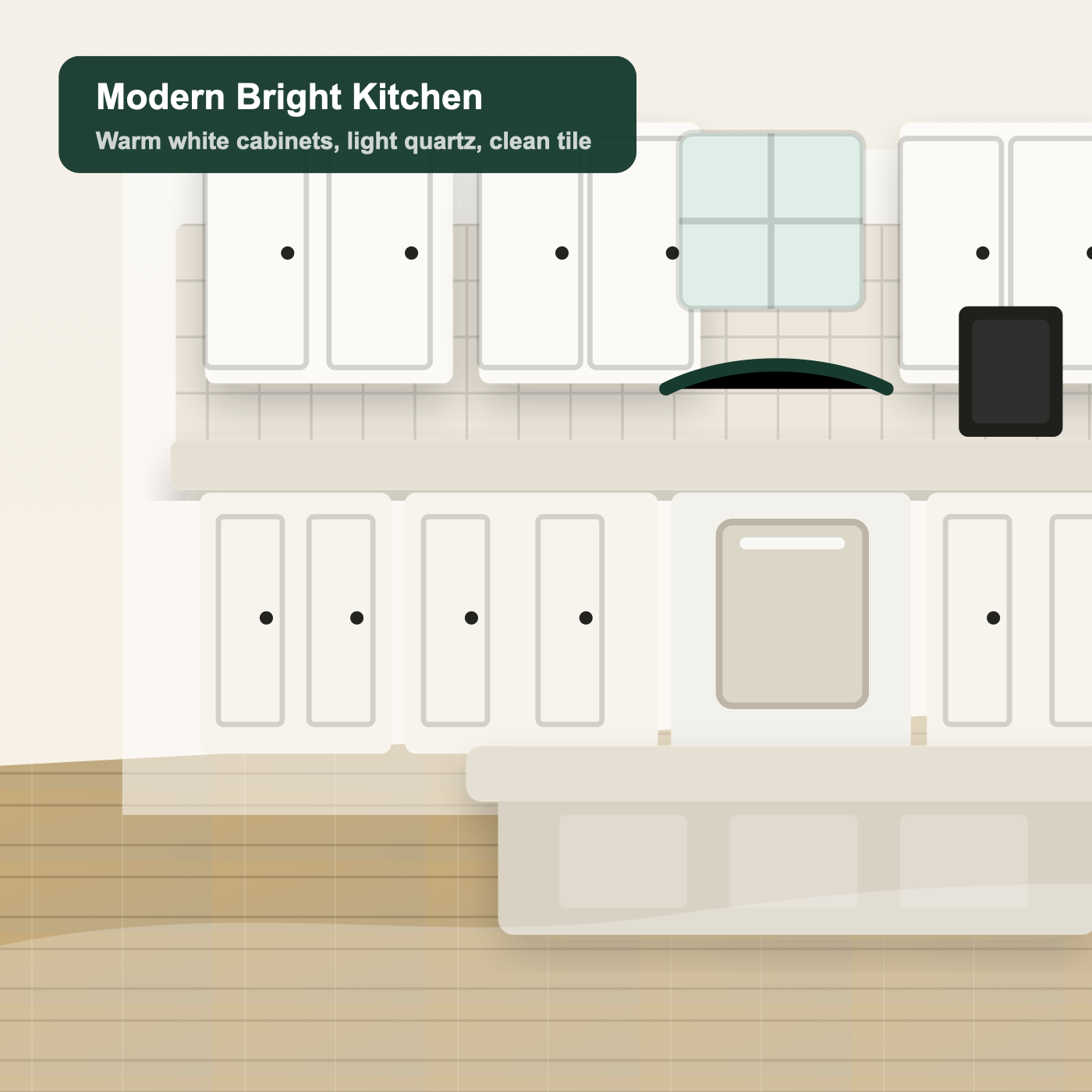
Old wood cabinets to modern white

Old wood cabinets to modern white

A brighter everyday kitchen with warm white cabinets and light quartz.

Oak kitchen to modern farmhouse

Oak kitchen to modern farmhouse

Shaker-style warmth, softer surfaces, and a more inviting palette.

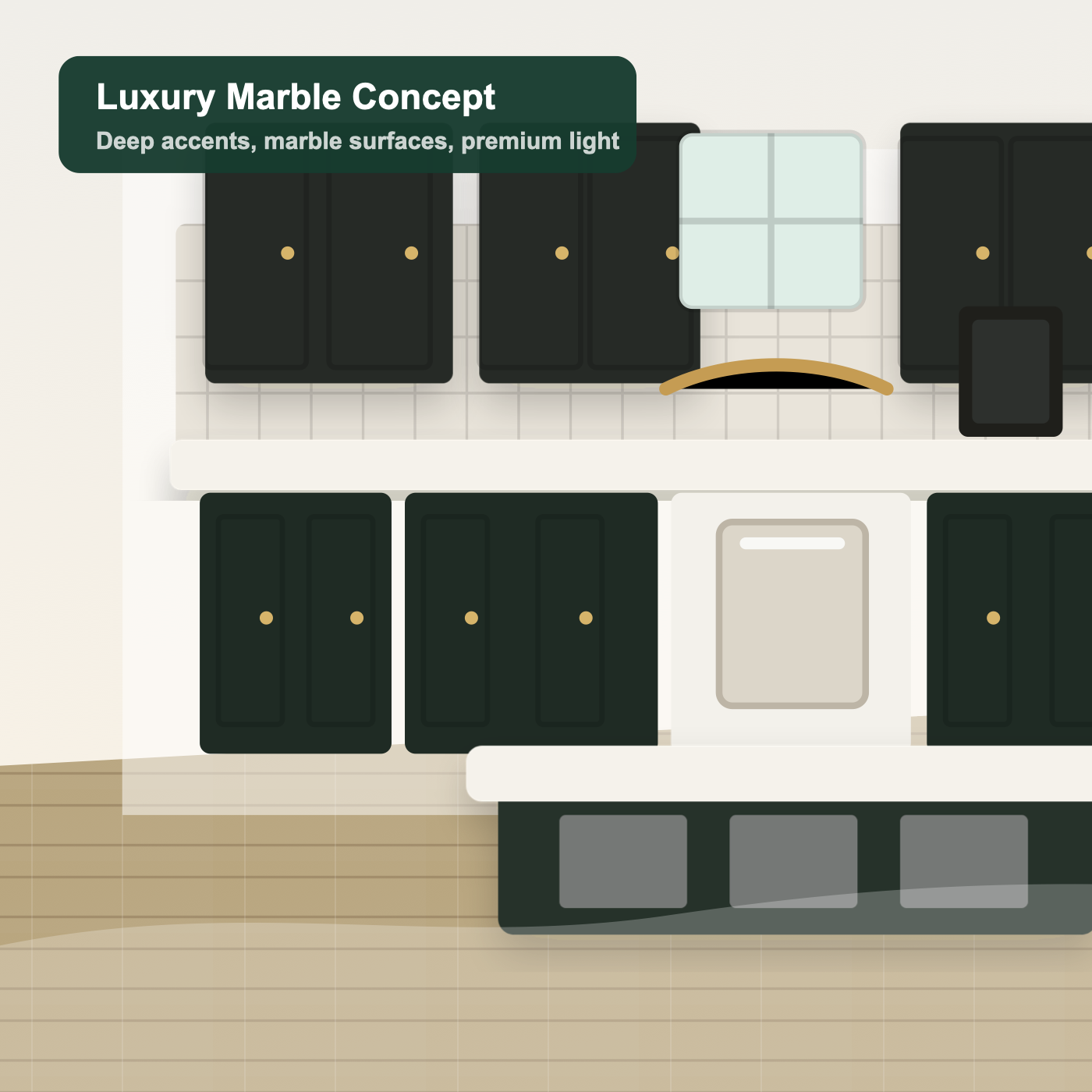
Builder-grade to luxury marble

Builder-grade to luxury marble

Premium contrast and lighting without changing the room footprint.

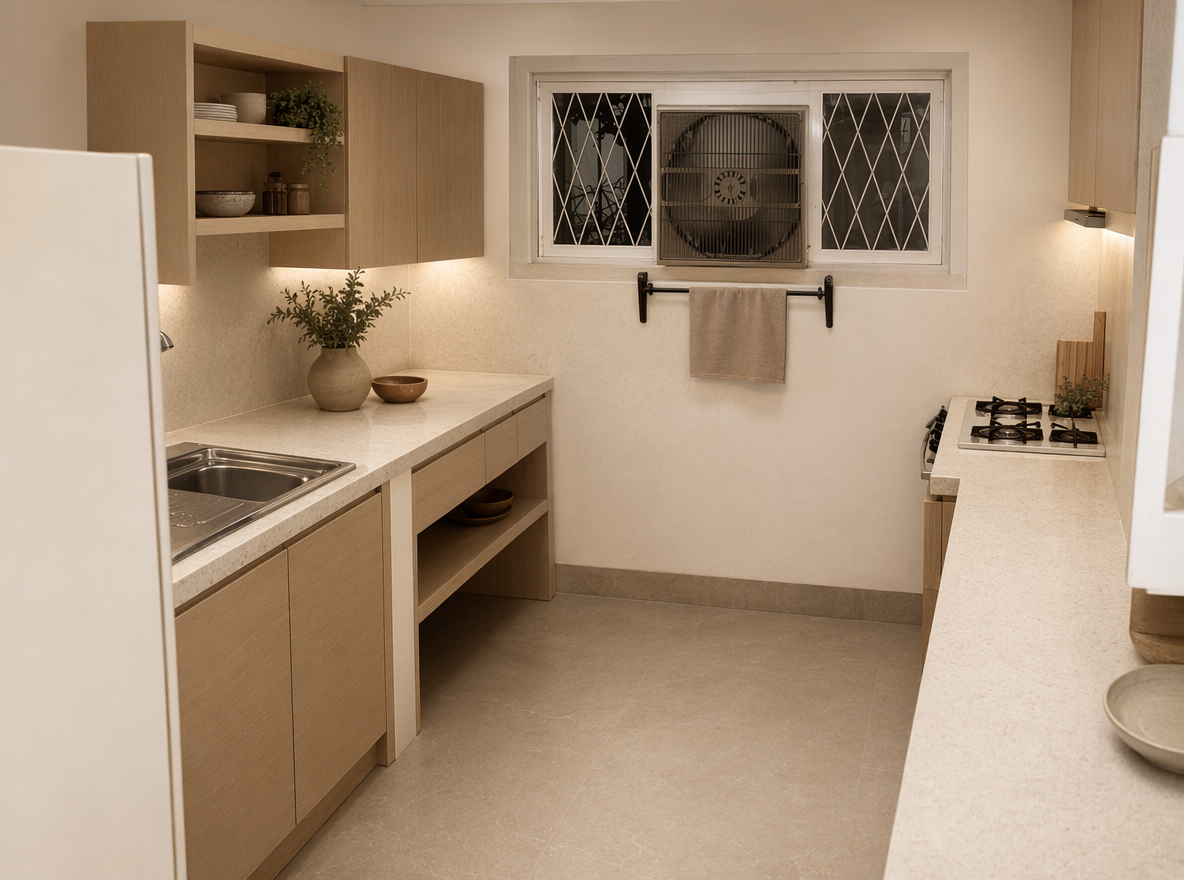
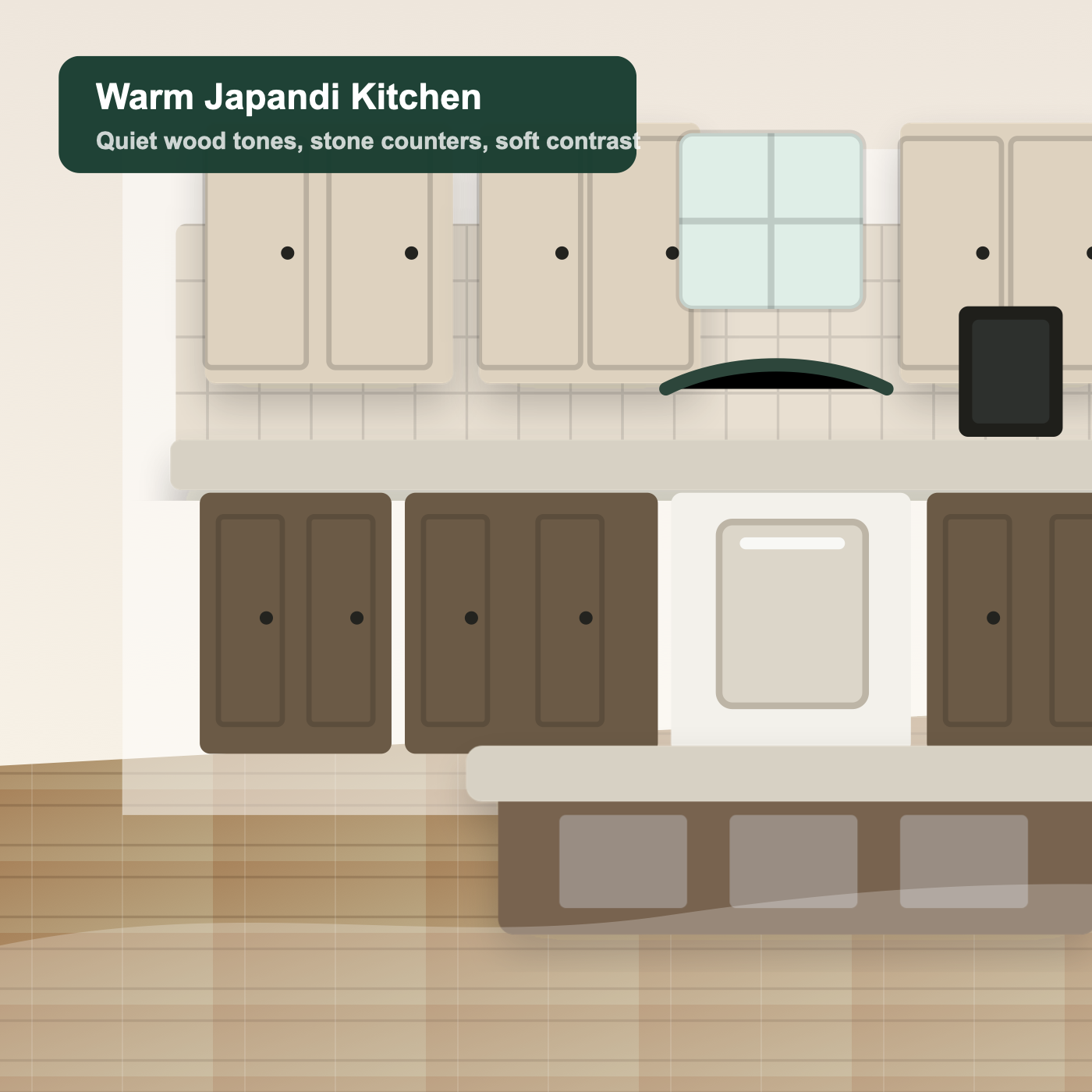
Dark kitchen to warm Japandi

Dark kitchen to warm Japandi

Natural wood tones and calmer stone for a more grounded remodel.

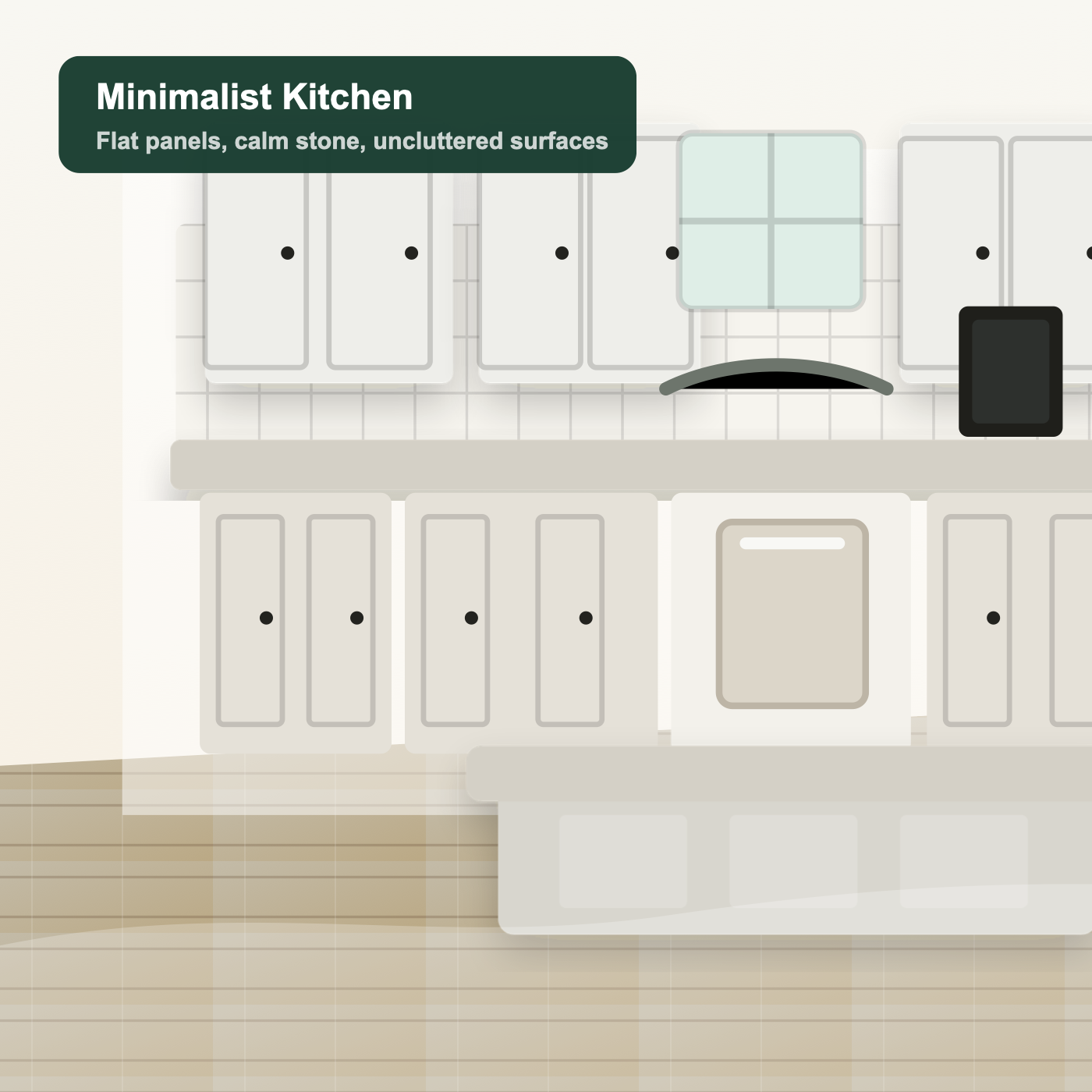
Busy kitchen to minimalist

Busy kitchen to minimalist

Cleaner surfaces, muted materials, and less visual noise.

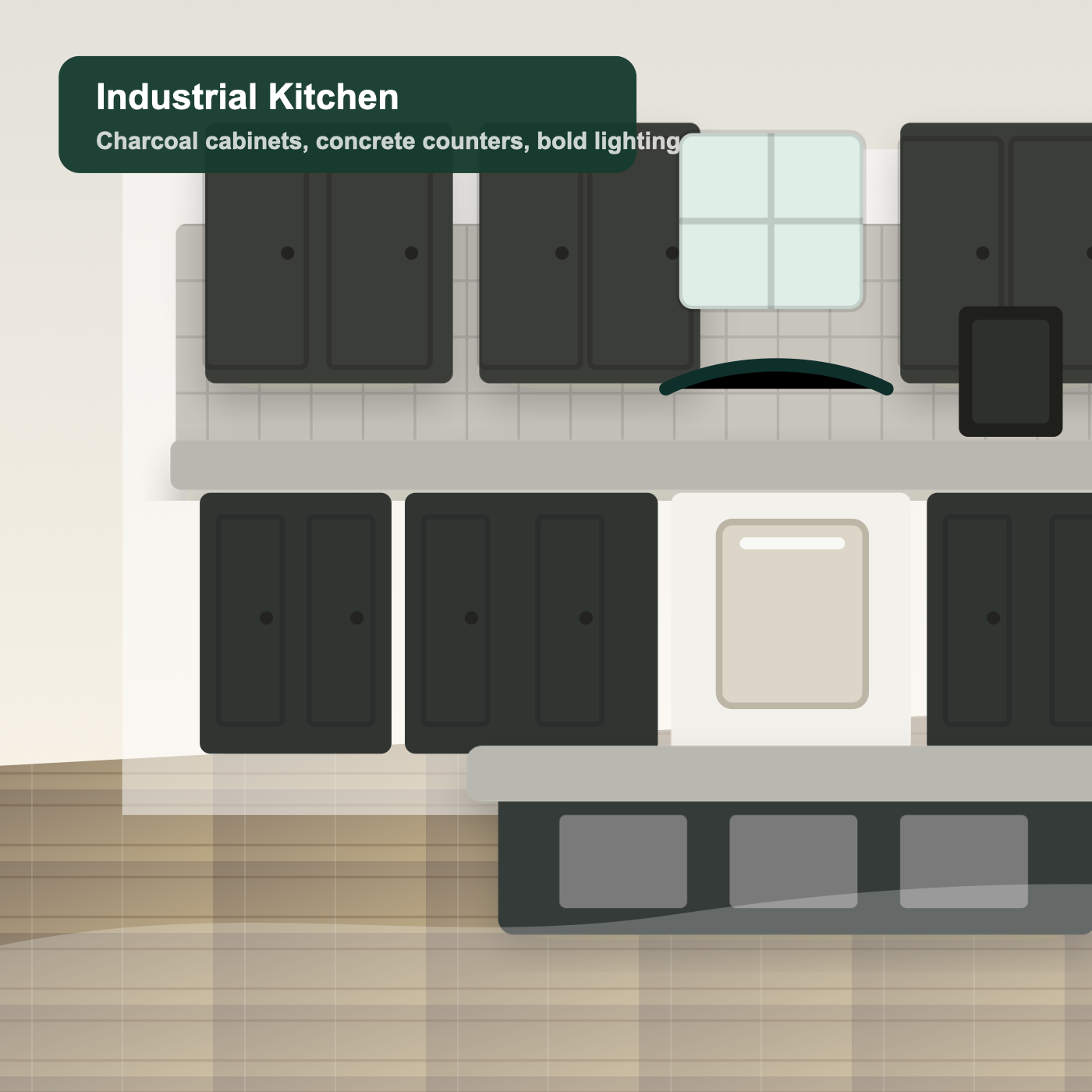
Traditional to industrial

Traditional to industrial

Charcoal cabinets and concrete counters for a bolder direction.

Small kitchen to brighter concept

Small kitchen to brighter concept

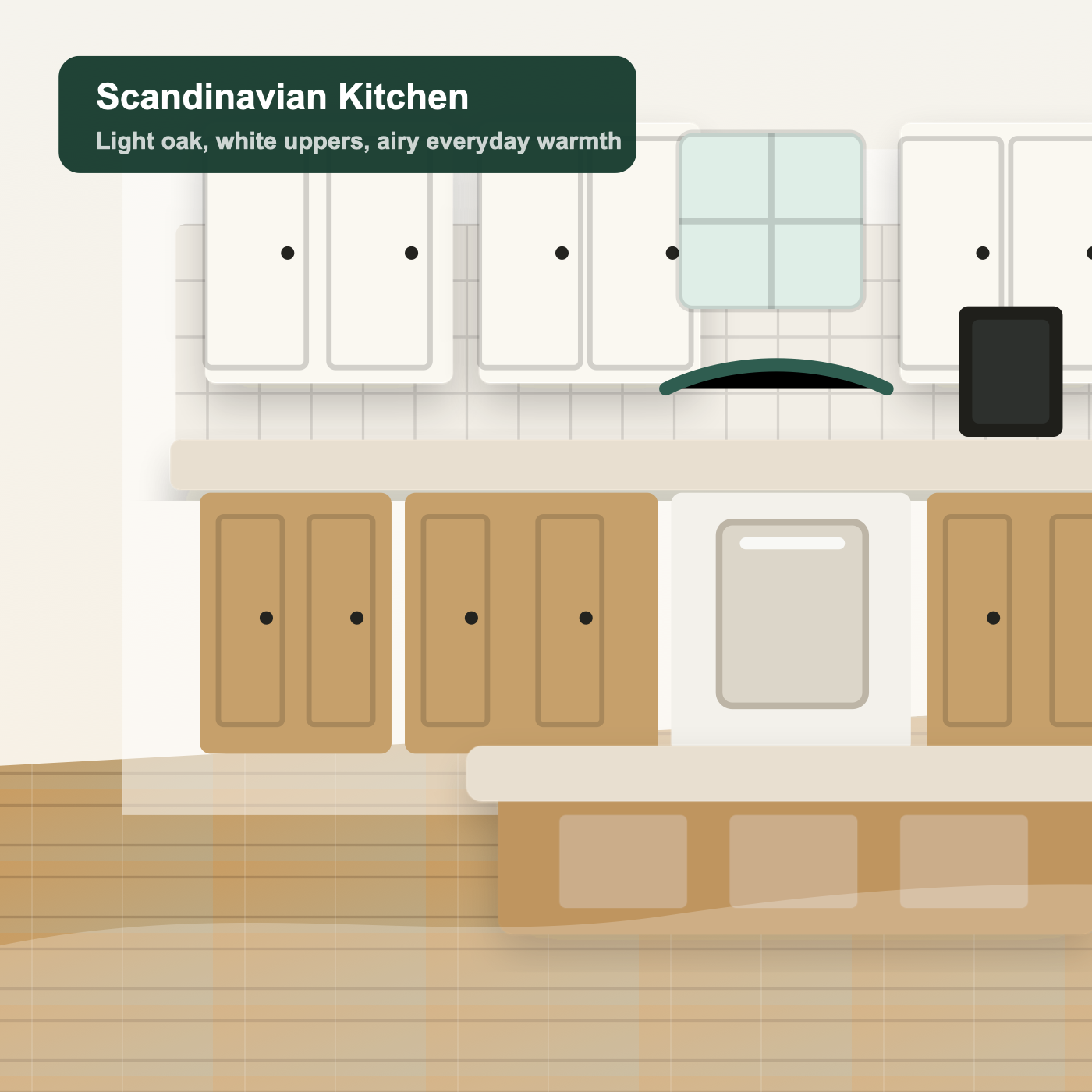
Light oak and airy finishes that help compact kitchens feel open.

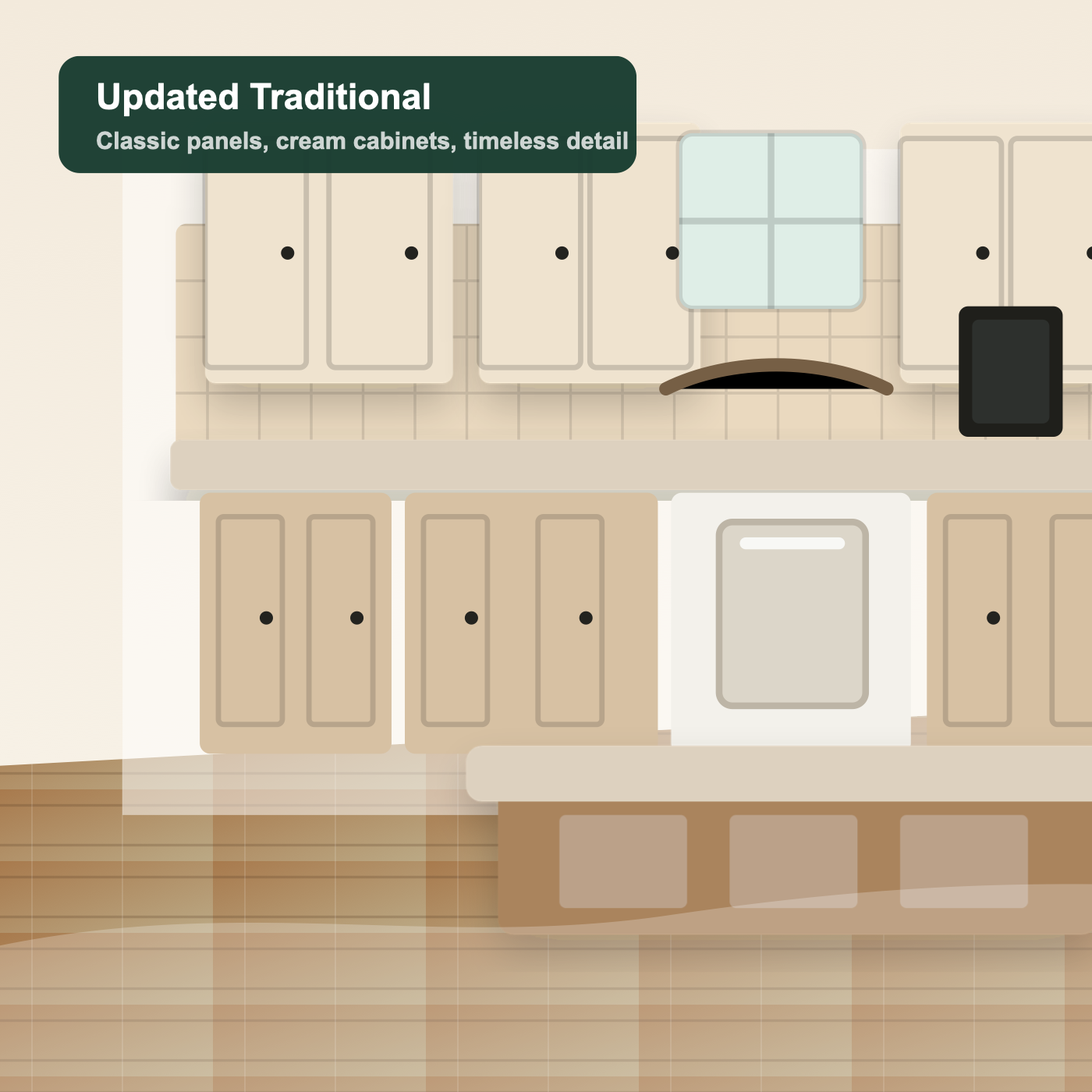
Dated cream to updated traditional

Dated cream to updated traditional

A classic refresh that keeps the kitchen familiar and realistic.

Kitchen-specific controls

Preview Cabinets, Countertops, and Backsplash

Focus the AI on the decisions people actually make during a kitchen refresh.

Cabinet Color Try-On

Try white, navy, green, black, oak, walnut, shaker, and flat-panel cabinet looks before painting or replacing cabinets.

Countertop Visualizer

Preview quartz, marble, butcher block, concrete, dark stone, and light surfaces with your existing kitchen.

Backsplash Preview

Compare subway tile, zellige tile, marble slab, mosaic, and clean painted wall ideas.

Flooring Ideas

See how wood, tile, stone, and warm neutral floors can change the feel of your kitchen.

Lighting Refresh

Make your kitchen feel brighter, warmer, or more premium with AI-generated lighting ideas.

Keep Layout Remodel

Generate remodel concepts while preserving room shape, windows, walls, and appliance positions.

Style presets

Explore AI Kitchen Design Styles

Use preset styles as a starting point, then add notes for colors, materials, and budget limits.

Simple workflow

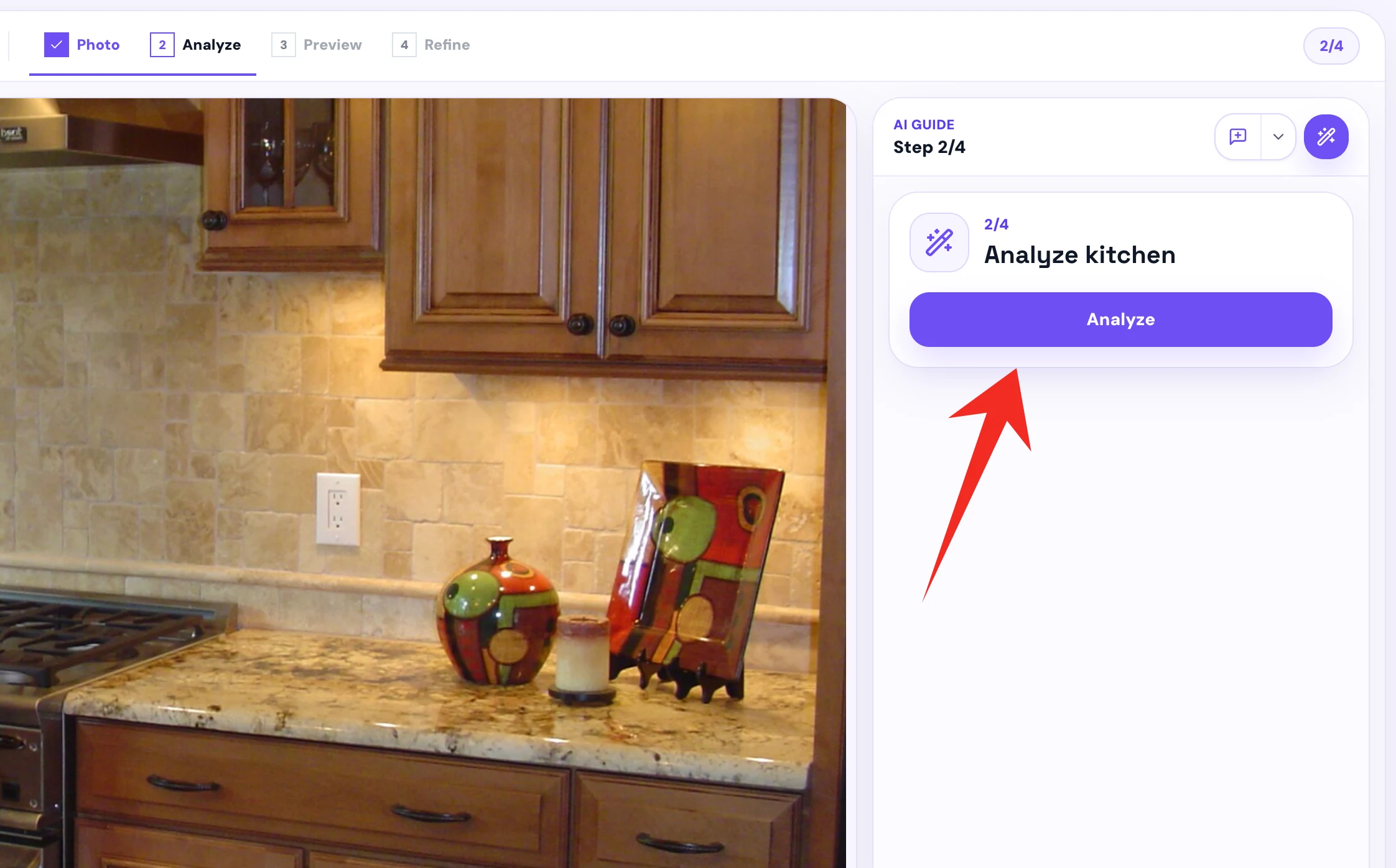
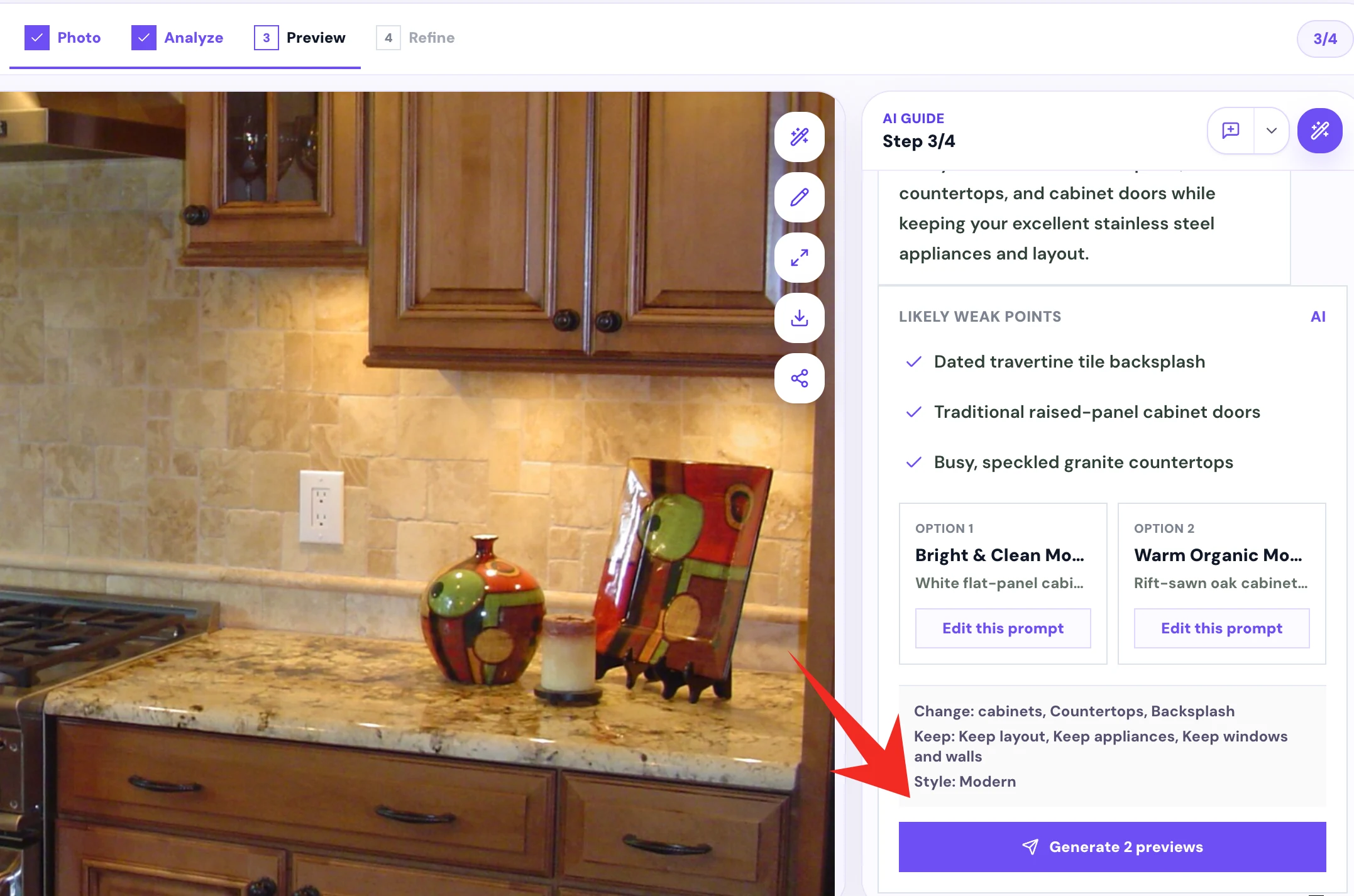
How Our AI Kitchen Design Tool Works

The flow stays short because homeowners need visual confidence, not a complicated design suite.

1

Upload your kitchen photo

Start from a bright, clear image of your real kitchen.

2

Choose what to change and keep

Select cabinet colors, countertops, backsplash, lighting, and layout constraints.

3

Pick a kitchen design style

Choose modern, farmhouse, luxury, minimalist, Scandinavian, Japandi, traditional, or industrial.

4

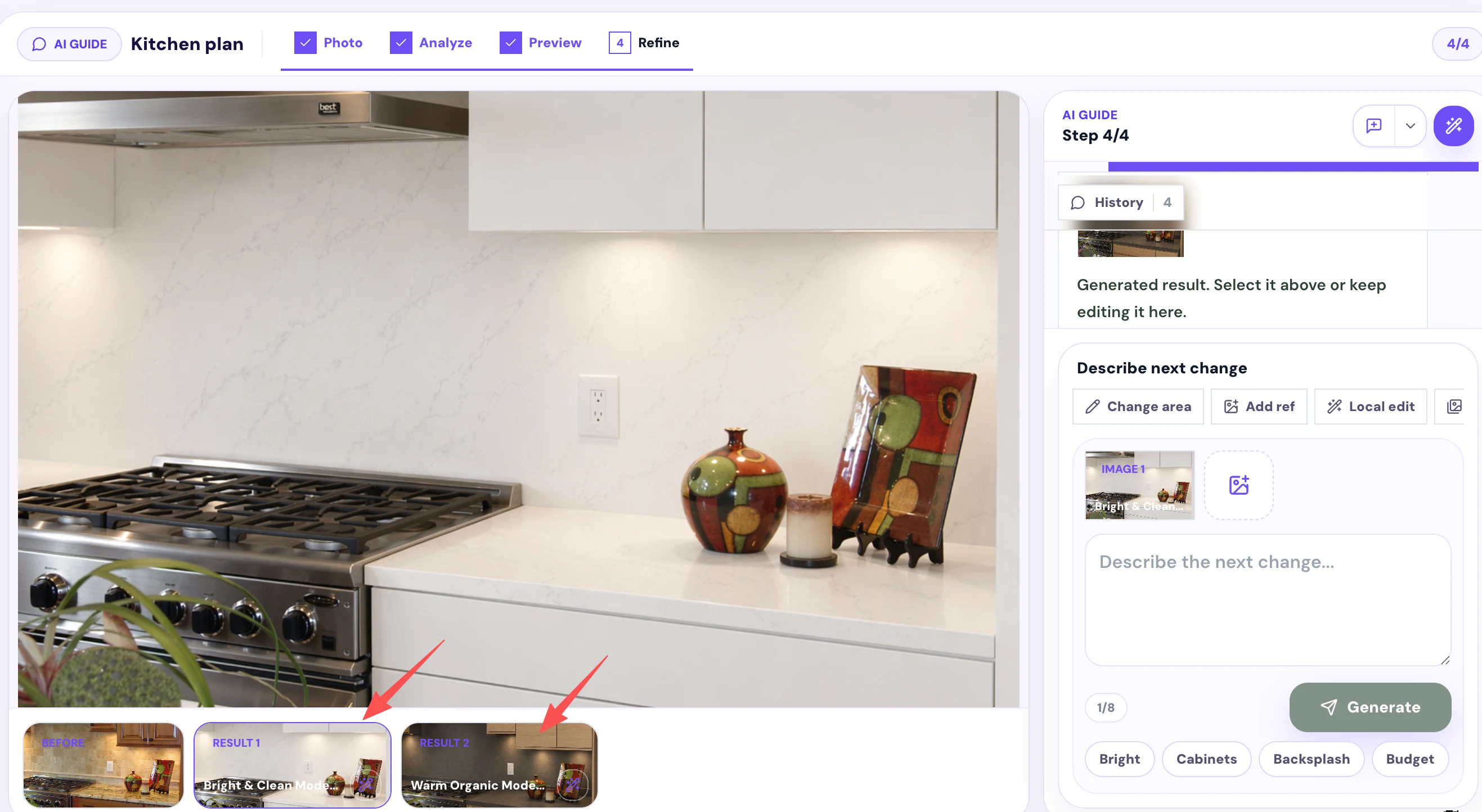
Generate and compare ideas

Review side-by-side before and after visuals before making renovation decisions.

Plan Your Kitchen Remodel Before You Commit

Kitchen decisions are expensive. Before you paint cabinets, order countertops, change backsplash, or hire a contractor, use AI Kitchen Design to compare realistic remodel ideas from your own photo.

Test cabinet colors before painting
Compare countertop and backsplash combinations
Create visual ideas to discuss with your contractor
Avoid expensive design regrets
Explore budget-friendly kitchen makeover ideas
Who it helps

Kitchen Design Use Cases for Real Decisions

The tool is built for early visual planning across homeowners, sellers, renters, and small renovation teams.

Homeowners

Compare practical remodel directions before spending money on materials or labor.

Budget makeovers

Keep appliances, flooring, and layout while testing paint, hardware, lighting, and backsplash ideas.

Real estate sellers

Create realistic visual potential for a listing, pitch, or improvement conversation.

Contractor briefs

Use images and notes as a shared visual reference before quote conversations.

Generated options

Current AI Kitchen Design Results

Generate four directions from one upload, then compare each option with your original photo.

Your kitchen design options will appear here

Upload a photo or use the sample kitchen, choose what to change and keep, then generate four preview results.

Simple pricing

AI Kitchen Design Pricing

Start free, then pay only when the outputs are useful enough to download in HD.

Free

$0

Good for trying the kitchen visualizer.

  • 2-4 preview images
  • Watermark
  • Low resolution
  • Sample kitchen included

Design Pack

$9

A one-time pack for one kitchen project.

  • 20 kitchen design images
  • HD downloads
  • No watermark
  • Personal and commercial use

Remodel Report

$19+

A practical brief for contractor or family discussions.

  • 12 curated design images
  • Cabinet color suggestions
  • Countertop and backsplash direction
  • Contractor brief PDF
AI Kitchen Design guide

Design Your Kitchen with AI

A practical overview for homeowners comparing remodel ideas from a real kitchen photo.

AI Kitchen Design helps you visualize kitchen remodel ideas from a real photo of your space. Instead of starting from a blank mood board, you can upload your current kitchen and preview cabinet colors, countertops, backsplash, flooring, lighting, and full remodel concepts.

The tool is designed for early planning. You can keep your existing layout, appliances, windows, walls, and major fixtures while exploring different styles such as modern, farmhouse, minimalist, luxury, Scandinavian, Japandi, traditional, and industrial.

Use the generated images to compare ideas, discuss options with family, or prepare visual references before talking to a contractor or designer.

FAQ

AI Kitchen Design FAQ

Clear answers about what the tool can and cannot do.

What is AI kitchen design?+

AI kitchen design uses artificial intelligence to generate kitchen remodel ideas from a photo or prompt. This tool focuses on photo-based kitchen visualization, so you can preview design changes using your actual kitchen image.

Can I design my kitchen from a photo?+

Yes. Upload a clear kitchen photo, choose what you want to change, select what should stay the same, and generate AI kitchen design ideas based on your real space.

Is this AI kitchen design tool free?+

You can generate limited preview images for free. HD downloads, no-watermark images, additional variations, and remodel reports may require credits or a one-time purchase.

Can AI change only my cabinet colors?+

Yes. Choose Cabinet colors as the preview target and select the parts of the kitchen you want to keep. This helps you test colors before painting or replacing cabinets.

Can I keep my current kitchen layout?+

Yes. The tool includes keep options such as Keep layout, Keep appliances, Keep sink / stove / fridge, and Keep windows and walls. These options help guide the AI toward realistic remodel concepts.

Can I preview countertops and backsplash?+

Yes. You can preview countertop and backsplash combinations together with cabinet colors, flooring, lighting, and full remodel styles.

Can I use AI kitchen designs for a contractor?+

You can use the images as visual references when discussing ideas with a contractor or designer. They are best for early planning and communication, not final construction documents.

Are AI kitchen designs construction-ready?+

No. The images are visual concepts for early planning. For exact measurements, plumbing, electrical work, permits, structural changes, materials, and installation, consult a qualified kitchen designer or contractor.

What photos work best?+

Use a bright, clear, wide-angle photo that shows cabinets, counters, appliances, walls, and flooring. Avoid heavily cropped, blurry, dark, or obstructed images.

Will AI move my sink, stove, or fridge?+

By default, the tool should try to keep major fixtures in place. Select Keep sink / stove / fridge if you want the design to preserve your current appliance positions.

Ready to See Your Kitchen Remodel?

Generate practical AI kitchen design ideas from your real photo in minutes.